Skip to content
Have you ever unboxed a batch of fresh prints—only to notice smudges, dull colors, or dirty patches that make your products look less than perfect? You’re not alone. Many print buyers and production managers face this frustrating issue. The good news is: most “dirty print” problems have clear, fixable causes. In this guide, PuJi Packaging Machinery walks you through five common reasons your prints look dirty—and how to prevent them, so every job comes out clean, sharp, and professional.
Why Print Quality Matters
When it comes to product packaging or marketing materials, your print quality speaks before you do. It’s your silent salesperson—and any imperfection can cost you credibility, money, and even customers.
Maintains professional product appearance
A spotless print signals quality and reliability. Whether you’re producing food packaging, cosmetic boxes, or labels, your clients notice the details. A clean, consistent finish tells them you care about their brand.
Ensures accurate branding and color consistency
When the magenta shifts or ink spreads unevenly, your brand identity takes a hit. Maintaining color accuracy preserves trust and keeps your packaging recognizable.
Reduces waste and increases operational efficiency
Dirty prints mean reprints. Reprints mean wasted materials, time, and ink. A clean operation saves money and boosts output. And when you’re running high-volume presses, that matters—big time.
5 Common Reasons Prints Look Dirty and How to Prevent Them
You might be surprised how often “dirty” prints trace back to small, overlooked details. Below, we break down each issue, its cause, and what you can do to keep your pressroom spotless.
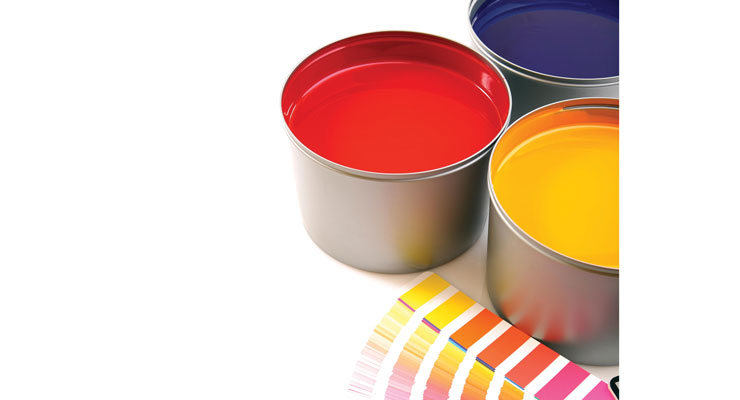
Incorrect Ink Viscosity or Type
Ink behaves differently depending on the substrate, temperature, and humidity. If it’s too thick or too thin, it can cause uneven coverage, streaking, or blotchy textures. Likewise, using an ink type incompatible with your substrate—say, solvent-based on a porous paper—can lead to smearing or patchy drying.
How to Prevent It:
-
Always use the correct ink formulation for your substrate.
-
Monitor and adjust viscosity regularly during production.
-
Store inks properly to prevent thickening or contamination.
-
Consider working with reputable ink suppliers who provide technical data sheets.
Dirty or Worn Printing Plates
Printing plates are the backbone of your design transfer. Even minor buildup—like dried ink, dust, or scratches—can result in dirty prints, ghosting, or uneven image density.
Causes:
-
Ink residues not cleaned after shifts.
-
Abrasive cleaning materials damaging plate surfaces.
-
Overuse leading to micro-cracks or distortions.
Prevention:
-
Clean plates with approved solvents after each run.
-
Inspect plates regularly under magnification.
-
Replace plates showing signs of wear or corrosion.
-
Train operators to handle and store plates carefully.
Pro Tip:
At PuJi Packaging Machinery, we recommend implementing a digital logbook for plate maintenance. Operators can easily record cleaning times and plate conditions, which helps identify recurring issues before they escalate.
Improper Roller or Blanket Maintenance
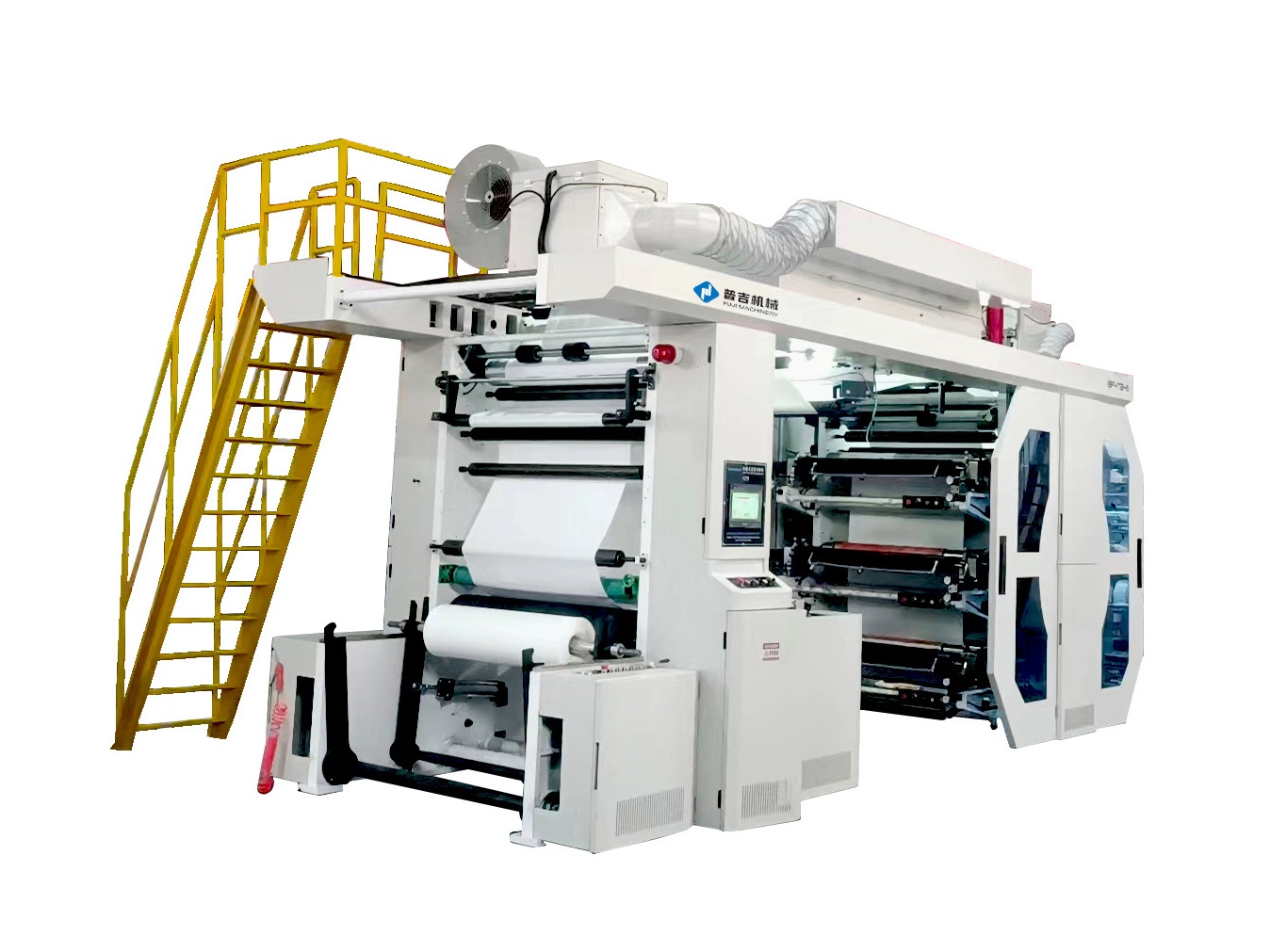
When rollers or blankets collect ink buildup or develop surface damage, they can’t transfer ink smoothly—resulting in smudging, mottled textures, or unwanted background tints.
Causes:
-
Infrequent cleaning or chemical residue.
-
Roller glazing (hardened ink on surface).
-
Pressure imbalance or incorrect roller settings.
Prevention:
-
Schedule routine roller cleaning at least once per shift.
-
Inspect rollers for glazing, cracks, or swelling.
-
Use compatible cleaning agents to avoid chemical damage.
-
Calibrate roller pressure according to manufacturer specs.
Poor Substrate Quality or Contamination
Even the best ink and press setup can’t overcome a dirty or inconsistent substrate. Dust, oil, or moisture trapped on the surface prevents proper ink adhesion and can lead to “dirty” patches or uneven color.
Causes:
-
Low-quality or recycled substrates with surface debris.
-
Contamination during handling or transport.
-
Excess humidity affecting paper or film.
Prevention:
-
Store substrates in clean, temperature-controlled areas.
-
Pre-dust or wipe materials before printing.
-
Work with trusted suppliers who certify material cleanliness.
-
Use anti-static devices to minimize airborne particles.
Incorrect Press Settings
Even when everything else is right—ink, plates, rollers, substrates—press calibration can make or break print quality. Too much pressure can cause smudging; too little leaves gaps or ghost images.
Causes:
-
Excessive impression pressure.
-
Incorrect printing speed for substrate type.
-
Poor tension control in web-fed systems.
-
Inconsistent press temperature or humidity.
Prevention:
-
Calibrate press settings for each job and substrate.
-
Maintain press environment within recommended ranges.
-
Conduct regular test prints and color proofs.
-
Use automation tools for consistent pressure control.
Summary Table :【Causes & Prevention】
| Problem | Cause | Effect on Print | Prevention | Maintenance Frequency | Recommended Tools |
|---|---|---|---|---|---|
| Incorrect Ink Viscosity | Ink too thick or incompatible | Streaks, smudges, poor adhesion | Use proper ink type and monitor viscosity levels regularly | Daily | Viscometer, temperature gauge |
| Dirty Plates | Residue or scratches on printing plates | Uneven image transfer and reduced print sharpness | Regular cleaning and inspection of plates after use | After every shift | Plate cleaning solution |
| Roller Issues | Ink buildup, glazing, or surface wear | Background tinting and inconsistent ink transfer | Scheduled roller cleaning and maintenance routine | Weekly | Roller cleaner, pressure gauge |
| Contaminated Substrate | Dust, oil, or moisture on substrate surface | Dirty patches, poor adhesion, or color inconsistencies | Maintain clean storage conditions and handle materials carefully | Continuous | Air filter system, anti-static device |
| Press Misalignment | Incorrect pressure, roller gap, or printing speed | Blotchy or uneven prints, poor registration | Proper calibration and monitoring before each production run | Per job setup | Calibration software, alignment tools |
Tips for Consistent Print Quality
Consistency is the secret ingredient behind every successful printing operation. Here’s how to keep your output clean and consistent day after day.
Implement routine maintenance schedules
It’s not glamorous, but it’s the foundation of quality. Preventive maintenance costs less than emergency repairs—always.
Train operators on best practices
Even the best press can’t compensate for operator errors. Invest in hands-on training to ensure everyone knows how to detect and fix early signs of “dirty” prints.
Use quality consumables and components
Low-grade ink or plates might save money upfront but will cost more in downtime. PuJi Packaging Machinery partners only with verified suppliers for this reason.
Monitor production for early detection of defects
Spot checks and automated inspection systems can catch problems before they multiply. A 5-minute check now can save a 5-hour cleanup later.
FAQs
Why do my prints have smudges even with new ink?
It’s likely a viscosity mismatch or surface contamination. Try recalibrating ink flow and inspecting substrates for oil or dust.
How often should I clean printing plates and rollers?
Plates should be cleaned after every job; rollers weekly or sooner, depending on ink type and volume.
Can environmental conditions affect print cleanliness?
Absolutely. Humidity, temperature, and static electricity can alter ink behavior and attract dust. Maintain stable pressroom conditions.
What’s the most common operator mistake?
Neglecting calibration checks. Small errors in pressure or speed compound quickly, causing uneven ink coverage.
Does PuJi Packaging Machinery offer service support?
Yes. PuJi provides on-site training, calibration assistance, and spare parts to keep your presses performing at their best.
Conclusion
When your prints look dirty, your reputation takes the hit first. The good news? Every cause—from ink viscosity to press calibration—is completely preventable with the right care and consistency. By following these guidelines, maintaining your equipment, and using high-quality materials, you’ll ensure that every print from your line shines—literally and figuratively.
At PuJi Packaging Machinery, we help manufacturers like you achieve cleaner, more consistent results through precision-engineered presses, intelligent maintenance tools, and real-world expertise. If you’re ready to eliminate “dirty print” headaches and maximize production efficiency, contact PuJi today to learn more.